What's in this lesson ...
Drawings
Filtering
Deformations
Button

ZDNet University's Paint Shop Pro Lesson 2

Filtering Effects

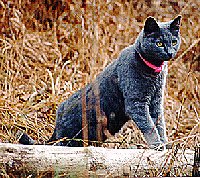
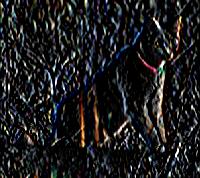
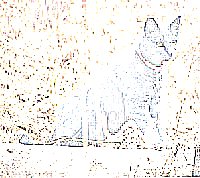
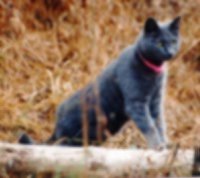
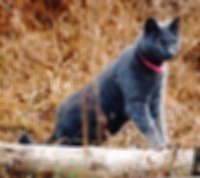
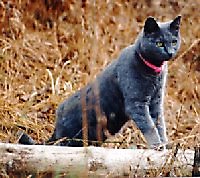
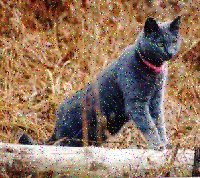
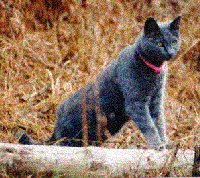
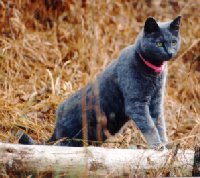
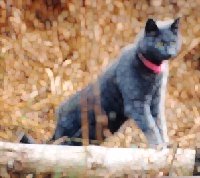
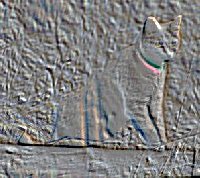
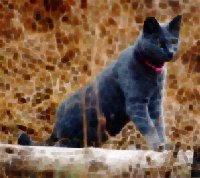
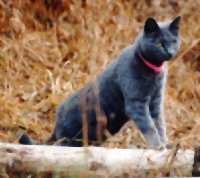
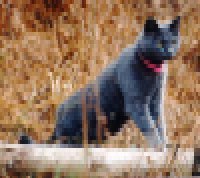
The original cat is provided in a separate browser window (some browsers load it last) so that it can be dragged next to any of the filtered images for comparison. The picture was scanned at 75 dpi and then resized from 300 wide to 200 x 178. If it disappears it will be underneath the main browser window. Select the small window to bring it to the top again.
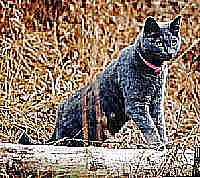
edge enhanced filter
Edge Enhanced Filter
edge enhanced more filter
Edge Enhanced More Filter
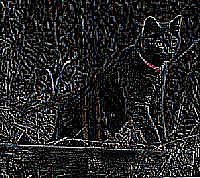
find edges filter
Find Edges Filter
find horizontal edges filter
Find Horizontal Edges Filter
find vertical edges
Find Vertical Edges Filter
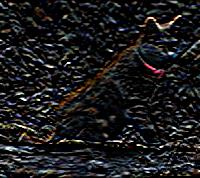
Trace Contours
Trace Contours Filter
Blur filter
Blur Filter
Blur More Filter
Blur More Filter
Soften Filter
Soften Filter
Soften More filter
Soften More Filter
sharpen filter
Sharpen Filter
Sharpen More Filter
Sharpen More Filter
Unsharpen filter
Unsharpen Filter
Clipping 20
Strength 4
Add Noise Random
Add Random Noise Filter
15%
Add Noise uniform
Add Uniform Noise Filter
30%
Despeckle
Despeckle Filter
Dilate Filter
Dilate Filter
Emboss
Emboss Filter
Erode Filter
Erode Filter
Median Filter
Median Filter
Mosaic Filter
Mosaic Filter
Width = 2
Height = 4


That's all folks!

Return to my Paint Shop Pro Home Page