|
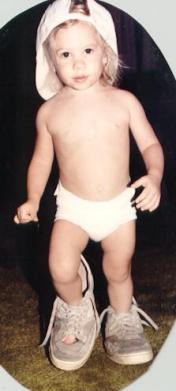
I scanned this old cutout photo of Lindsey at 75dpi.
|
|
|
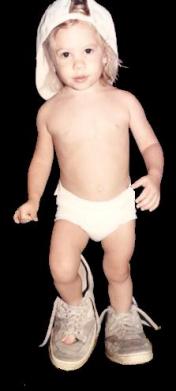
I touched up the photo filling in the cut out areas in the corners and
making the area around the shoes black also. I removed the shadow left on the
left side by the left hand and repaired the little finger that was almost
severed by the background replacement.
|
|
|
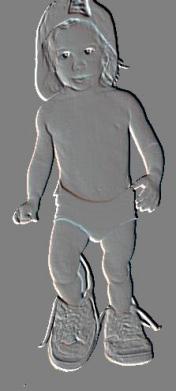
I then used the emboss special filter.
|
|
|
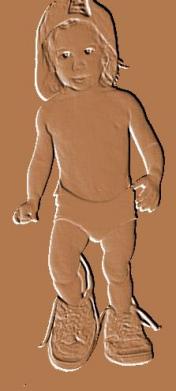
I used the color replacer to get this result.
|
|
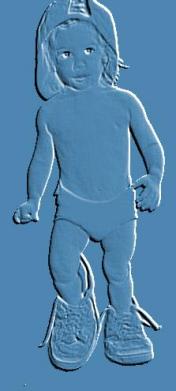
|
I chose negative image from the colors menu and then did a save as to
get this picture. I needed a positive and a negative image of the same size.
Note the white outline is on the opposite side in the negative image and the
change in the white around the eye.
|
|
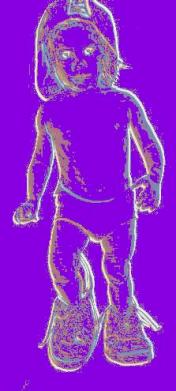
|
I performed image arithmetic clicking lightest with a divisor of 1 and no bias. This
produced the white outline all the way around the image and the eyes.
|
|
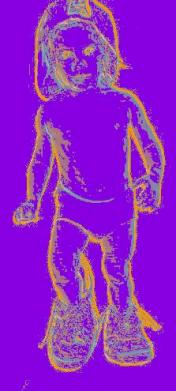
|
Last I used the color replacer with a tolorance of 25 to replace the white
with the new color.
|
|
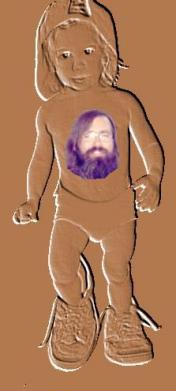
|
Just for fun I cut out a 70s guy and tattooed him to this 80s girl.
No arithmetic here. Just cut and paste.
|
|